Open the current queue
Start in the saved audience or search result your team trusts. Use score as the priority layer, then inspect the reason before you act.
Use this alongside Apollo when you need to prioritize a saved search, list, task queue, or audience. AI Assistant opens directly. Apollo search and list work opens at the app home, then you follow the in-app steps shown in each card.
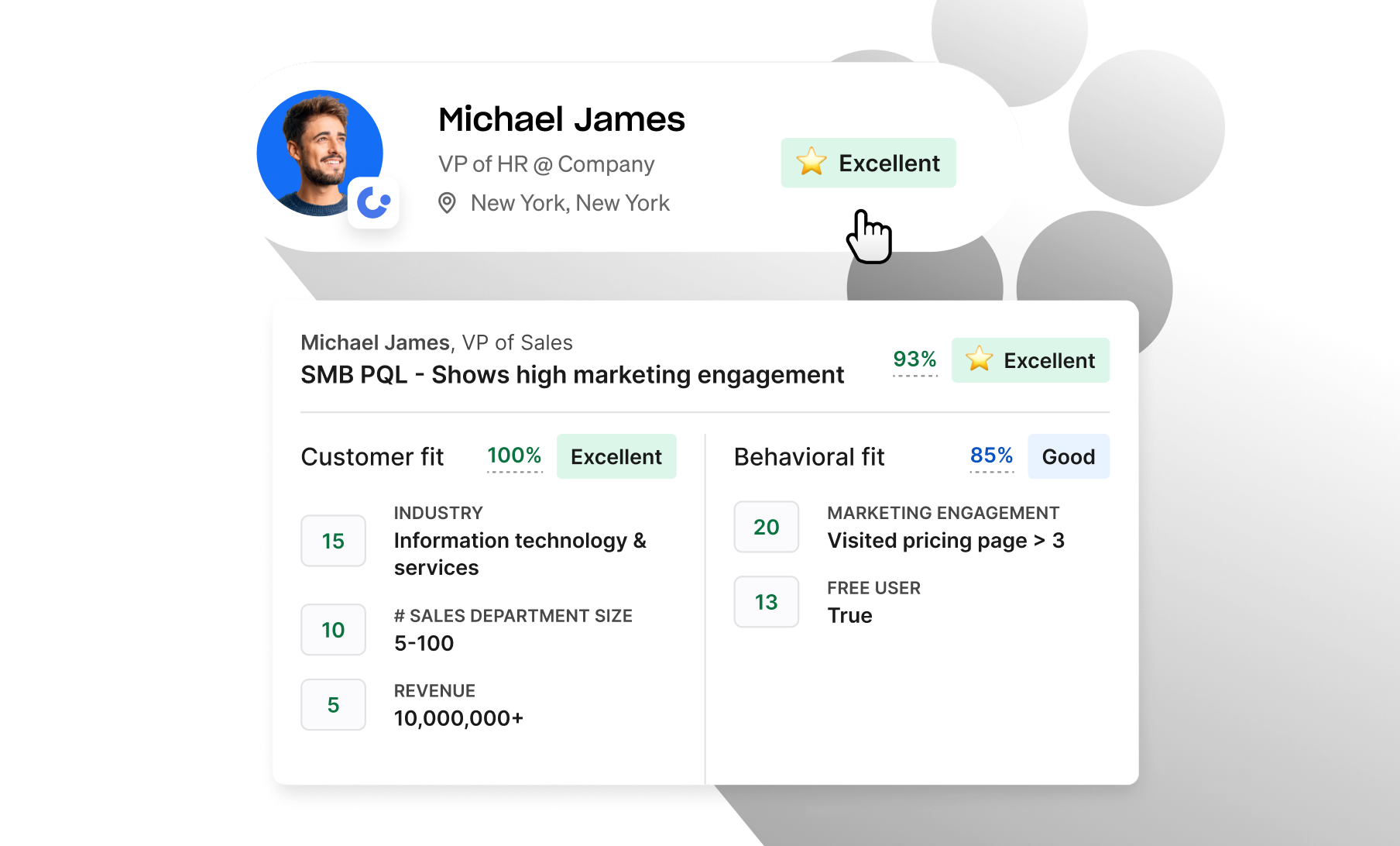
Open the saved search, list, or audience your team already uses. Use score, reason, and signal to decide who gets the next action today.
Start in the saved audience or search result your team trusts. Use score as the priority layer, then inspect the reason before you act.
Use the reason and signal age to decide whether the record needs a call, email, sequence add, follow-up, nurture path, or hold.
Park records when the reason is unclear, stale, or not actionable. Keep the day focused on records with fit, timing, and a usable angle.
A high score should tell the team why the account matters. Use the reason cluster to pick the audience, message, and sequence path.
Daily work should come from the overlap: strong fit and strong current signal. Everything else should be routed deliberately instead of sitting in one flat list.
High fit and strong signal. Create a same-day call, email, or LinkedIn task with the reason surfaced.
High fit with softer signal, or strong signal with one missing fit proof. Schedule follow-up and watch for movement.
Good market match but no near-term trigger. Add to a light nurture audience and revisit on new signal.
Weak fit or bad timing. Suppress from active work unless a meaningful new signal appears.
The score should route the day. Each tier gets a clear task policy so high-value work does not compete with generic list activity.
Call or email today. Lead with the highest-confidence signal and ask AI Assistant for the outreach angle.
Schedule work this week. Ask AI Assistant what signal would move the account into the daily queue.
Add to a relevant audience by reason cluster: new leader, funding, hiring, competitor, dormant, or expansion.
Keep out of active task views until a material signal changes the timing or the fit profile improves.
Pick one live list, task queue, or audience. The checklist stays pinned while you move through Apollo, and progress is saved in this browser only.
Use the checklist when you are ready to prioritize one real list, clean one task queue, or route one scored audience. It will not update Apollo or change records.
Progress saves in this browser. Use reset anytime.
Use the filters to move from setup to daily execution. Every prompt asks AI Assistant to return a clear next action, not just research.
Scores should move as markets move. Review tier movement, data quality, signal age, team feedback, and audience performance before changing the primary score.
Compare replies, meetings, opportunities, pipeline, and wins by A, B, C, and D tiers.
Track how quickly A-tier records receive a real first action after the score or signal changes.
Ask the team which high-scoring records should not have been prioritized and feed that back into criteria.
Flag records that cannot be scored well because email, phone, title, account fit, or signal coverage is incomplete.
These source links support search, score filters, and AI Assistant prospecting. Score owner setup sources live in the bottom admin materials control.
Most day-to-day work happens in the playbook above. If you help maintain scoring setup, these references support custom score configuration and primary score review.
Use the official score setup source to confirm score type, criteria, and configuration behavior before changing what users see in Apollo.
Confirm which people score and company score should guide search, sorting, list triage, and task prioritization.